What you get for cleaning a $40 GTX 750: the bench barely noticed
An EVGA GTX 750 SC, the kind of cheap ten-year-old card people wonder whether it is even worth opening. We tore it down, repasted it, and measured it cold. Here is the honest answer.
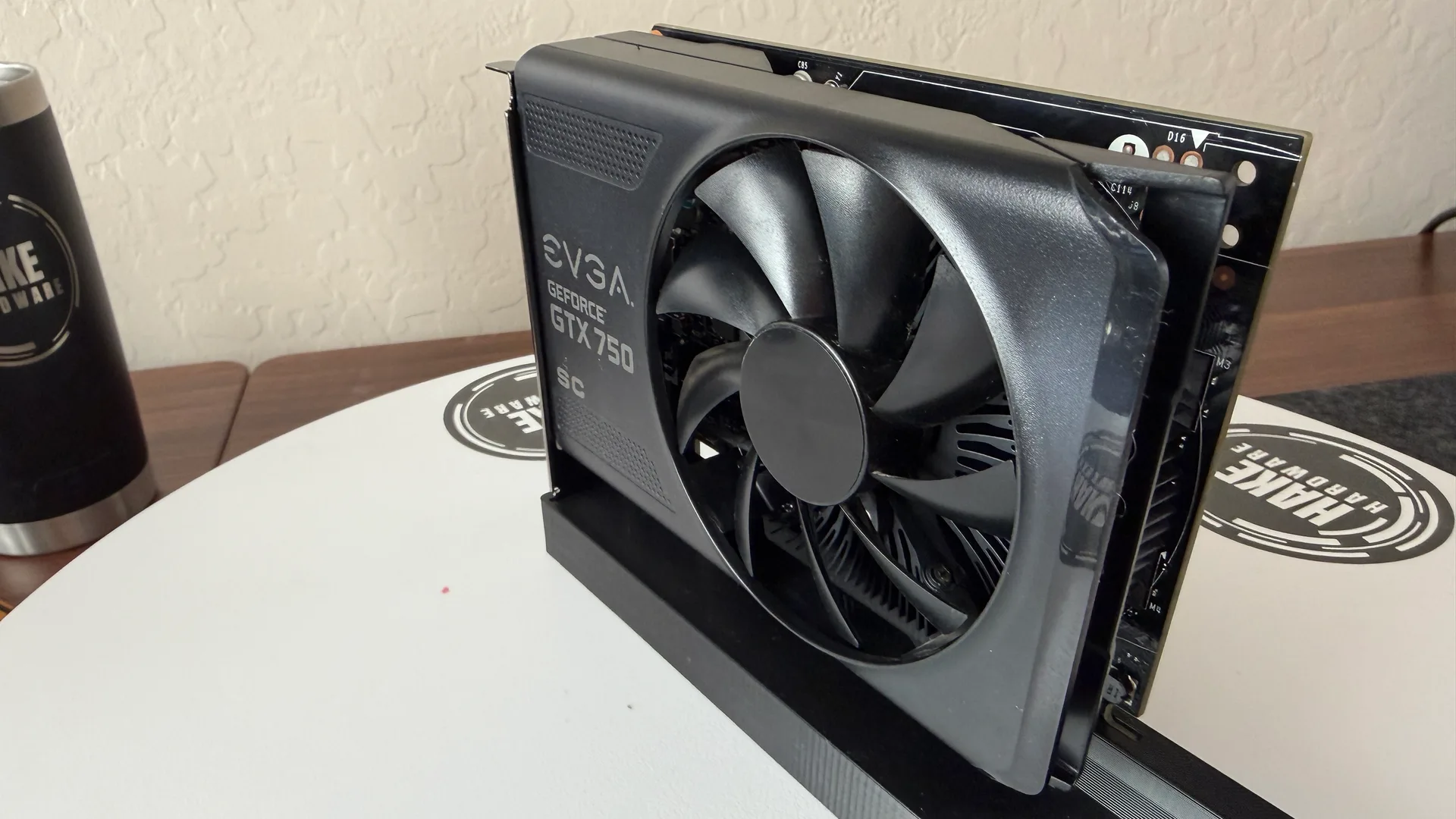
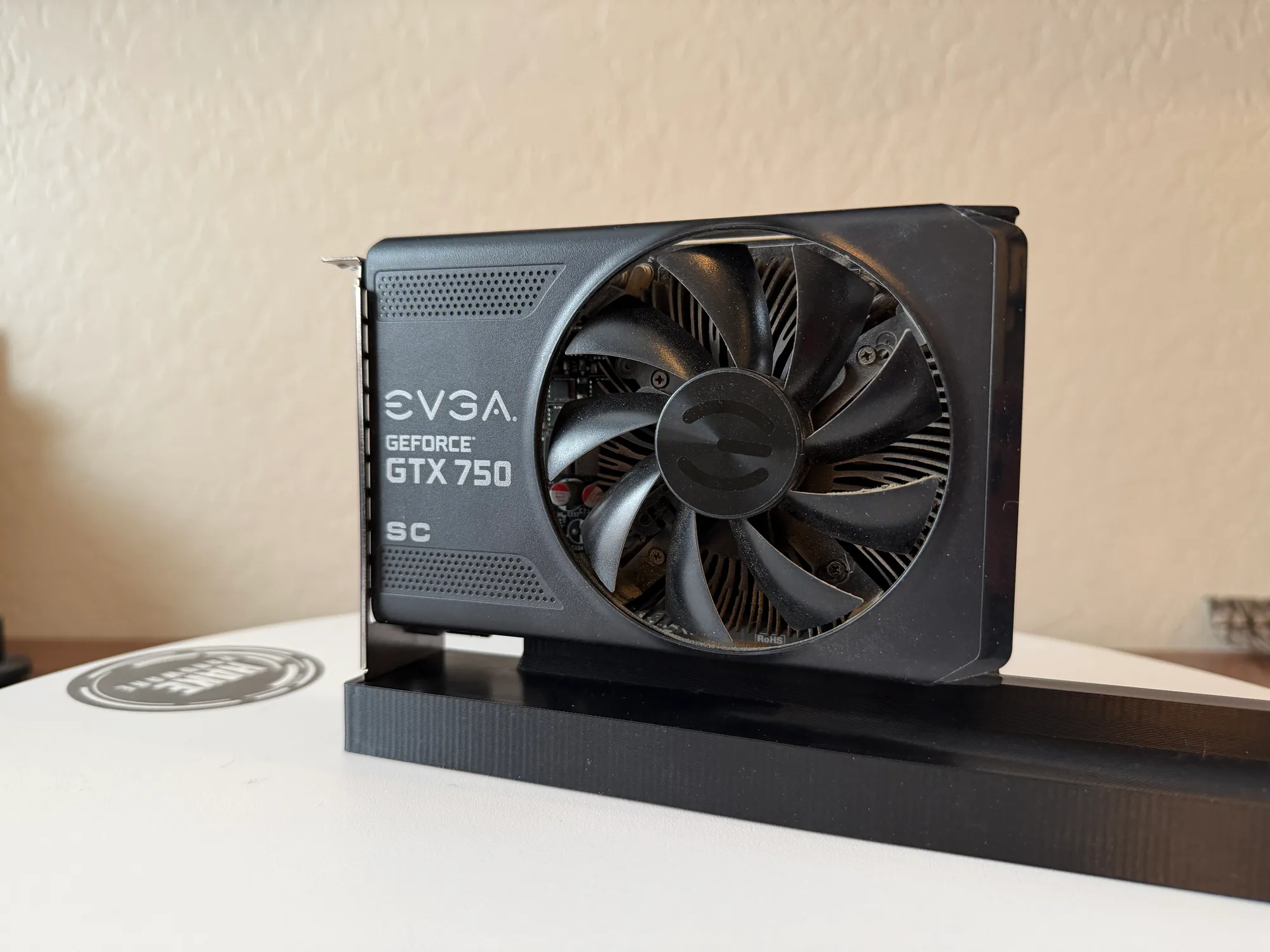 BEFOREAFTER
The card
- Model
- GTX 750
- Brand
- EVGA
- Series
- 700-series
- Architecture
- maxwell
- Memory
- 1 GB
- VBIOS
- 82.07.32.00.52
The numbers
Temperature under load
Dusty vs. clean, same benchmark.
Watch the clean
Pick up an EVGA GTX 750 SC and the first thing you notice is how little there is to it. It is a stubby single-fan card, 1GB of memory, a part number that dates the silicon to 2014, and a resale value somewhere around the price of a pizza. This is the GPU a lot of people have sitting in a drawer, and the reasonable question is whether a card this small and this cheap is even worth the effort of opening up and cleaning. We took one apart to find out, and the bench gave a blunt answer.
Going in, it was genuinely dusty. Not catastrophic, but for a single-fan card it had collected a real layer: a gray felt packed down into the heatsink fins, right in the path the air is supposed to take. So we did the whole job anyway. Off came the I/O bracket, the shroud, the fan, the little heatsink. We scraped the crusty old paste, washed every part, laid down fresh compound, and bolted it back together. Then we ran the exact same bench before and after.
The numbers landed right on top of each other. Peak load temperature was 48C dirty and 48C clean. The mean nudged from 47.1C to 46.6C, half a degree, which is run-to-run noise. The 15-minute heat soak actually read two degrees warmer afterward, 54C up to 56C, which is also noise on a card that never gets warm in the first place. Compute was flat at 1.14 FP32 TFLOPS both ways, and glmark2 moved 27 points on a score near 19,100, a rounding error. The fan held the same speed and the chip pulled about 37 watts the whole time.
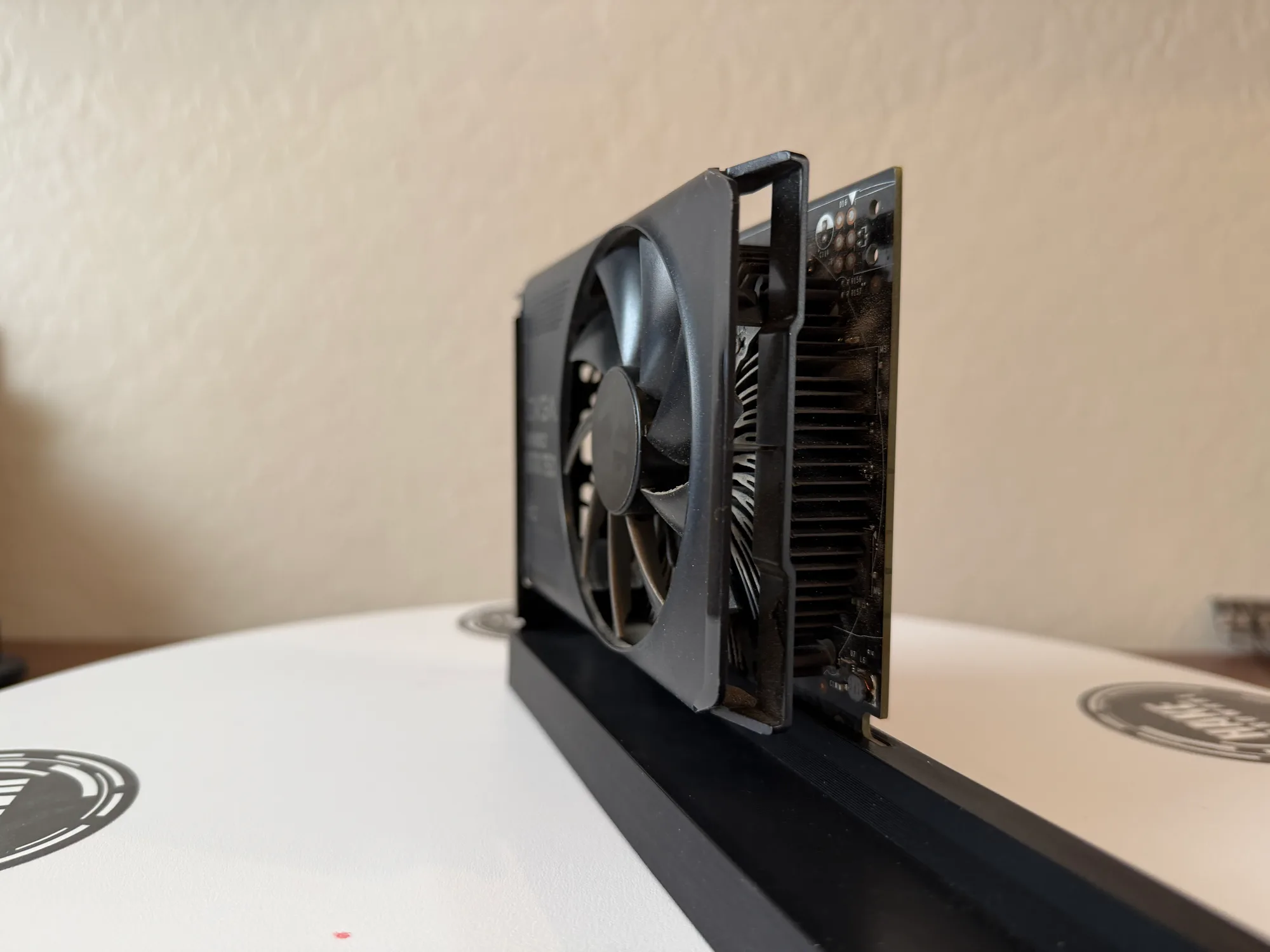
A 37-watt chip cannot dig itself a thermal hole
The reason the clean bought nothing is in that power figure. The 750 runs on GM107, the first chip Nvidia built on Maxwell, and the whole point of that part was efficiency. Around 37 watts under our load. A chip sipping that little simply does not make enough heat to overwhelm even a half-clogged heatsink. The dust was sitting in the fins, sure, but there was never enough thermal energy behind it for the blockage to matter. The card idled in the low 30s, leveled off in the high 40s dirty, and leveled off in the high 40s clean. You cannot recover headroom that was never being lost.
That does not make the clean a waste. The fins breathe freely now, the fan bearing is not grinding through grit, and the fresh paste replaces a crust that was only going to keep drying out. Those are real wins for the card's next several years. They just do not show up as a number on the bench today, and we are not going to invent one that says they do. If you own one of these, the honest reason to clean it is upkeep, not a temperature you are chasing.
Four parts, no pads, and a blue plastic die frame
Mechanically this is about as plain as a graphics card gets. There are no thermal pads on it anywhere, so once the shroud and heatsink come off you are holding four pieces and a smear of paste. The teardown was quick. The only thing that wanted patience was reassembly: the plastic has gone brittle with age and the screws bite straight into the metal cooler, so you torque them gently or you strip something.
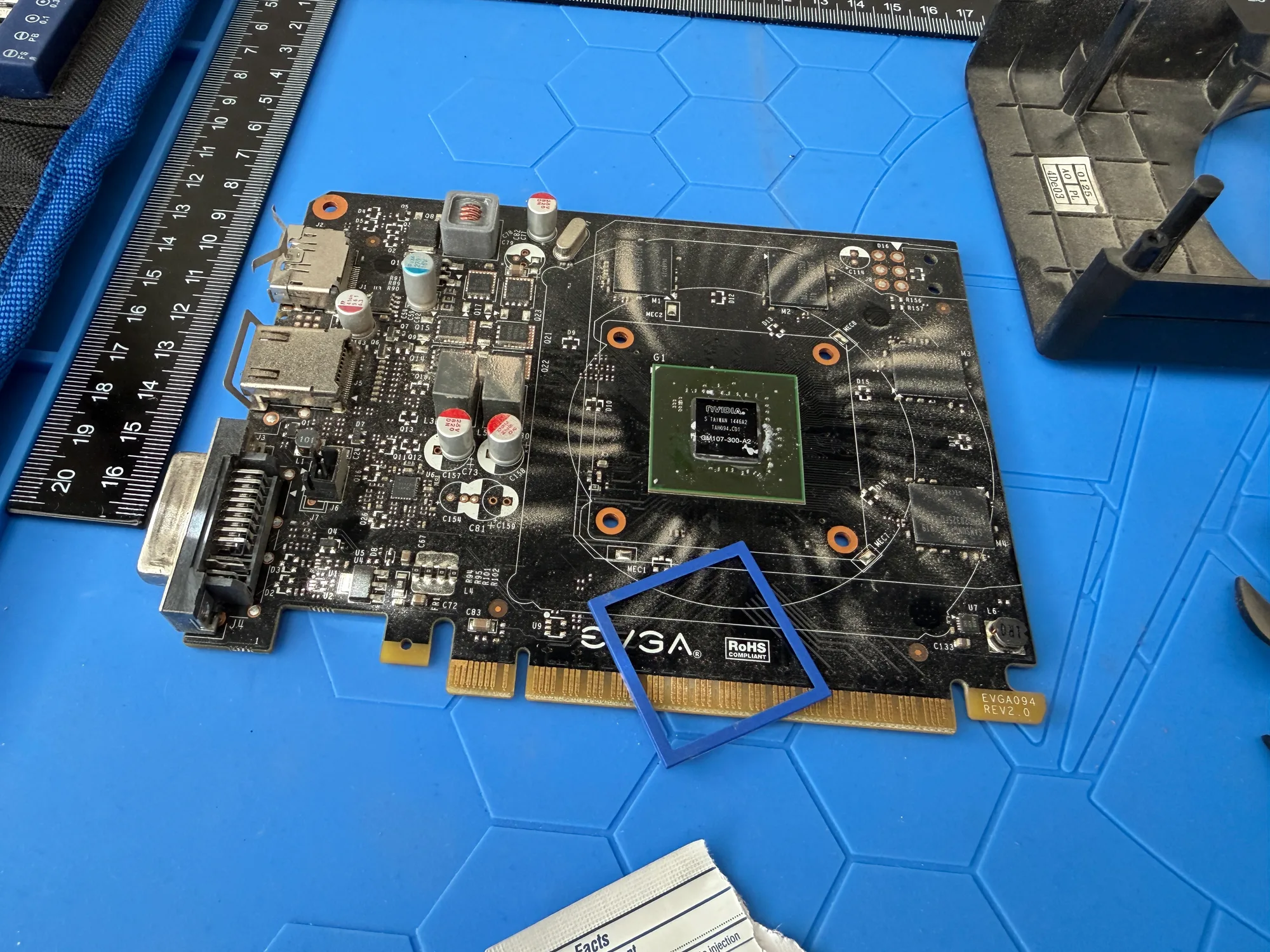
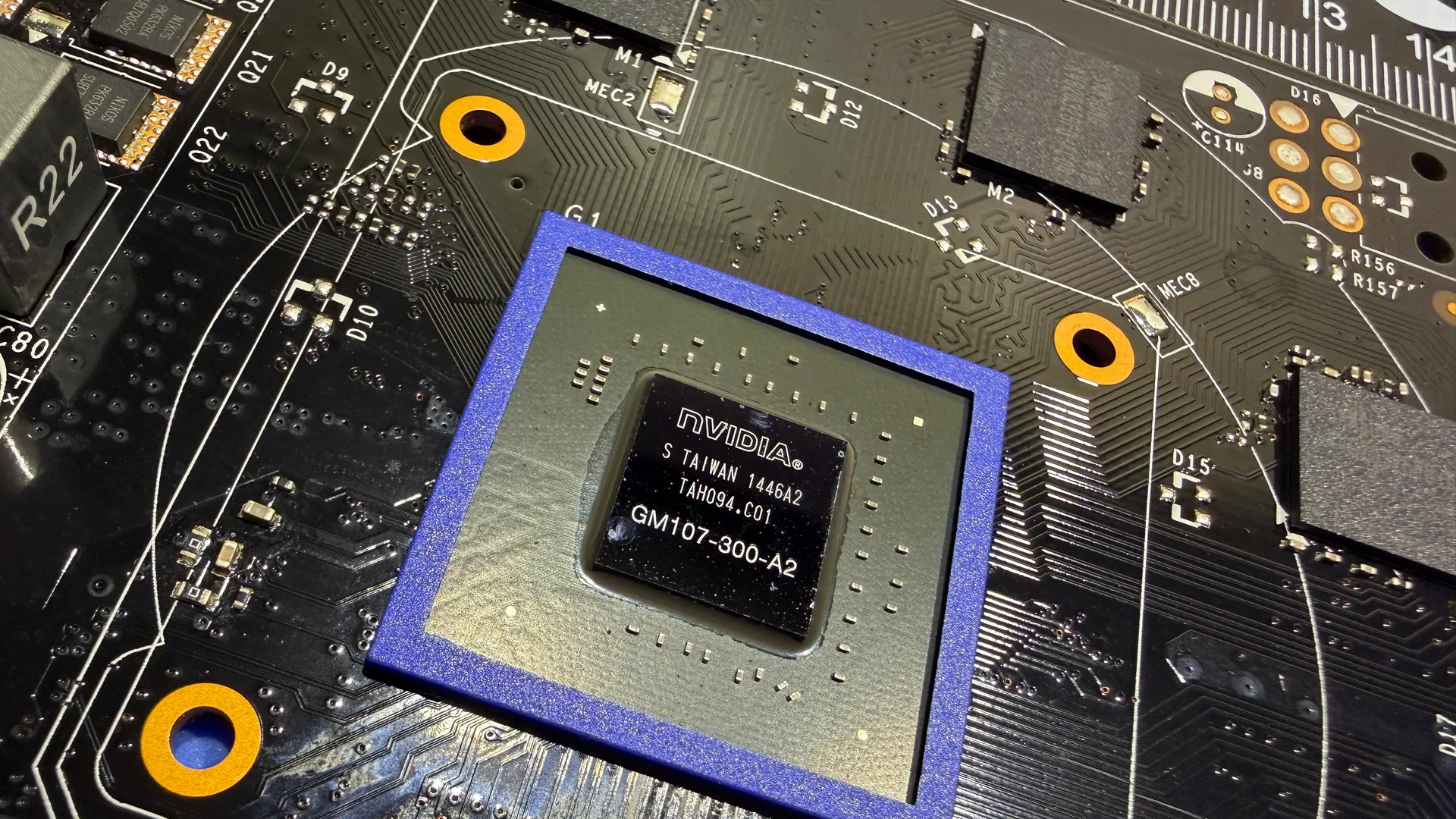
The detail worth a closer look is on the board itself. There is a blue plastic frame sitting in a square around the GM107 die, and it is not paint. It is a removable part that pops on and off the die. It does nothing thermal and it does not touch the heatsink. The usual reason for a plastic frame around a bare die is to guard the fragile silicon edges from chipping, since a bare die cracks easily when a cooler comes on and off, though we have no definitive source confirming that is what this one is for. Whatever its job, it is one of the better-looking budget dies we have had under the macro lens.
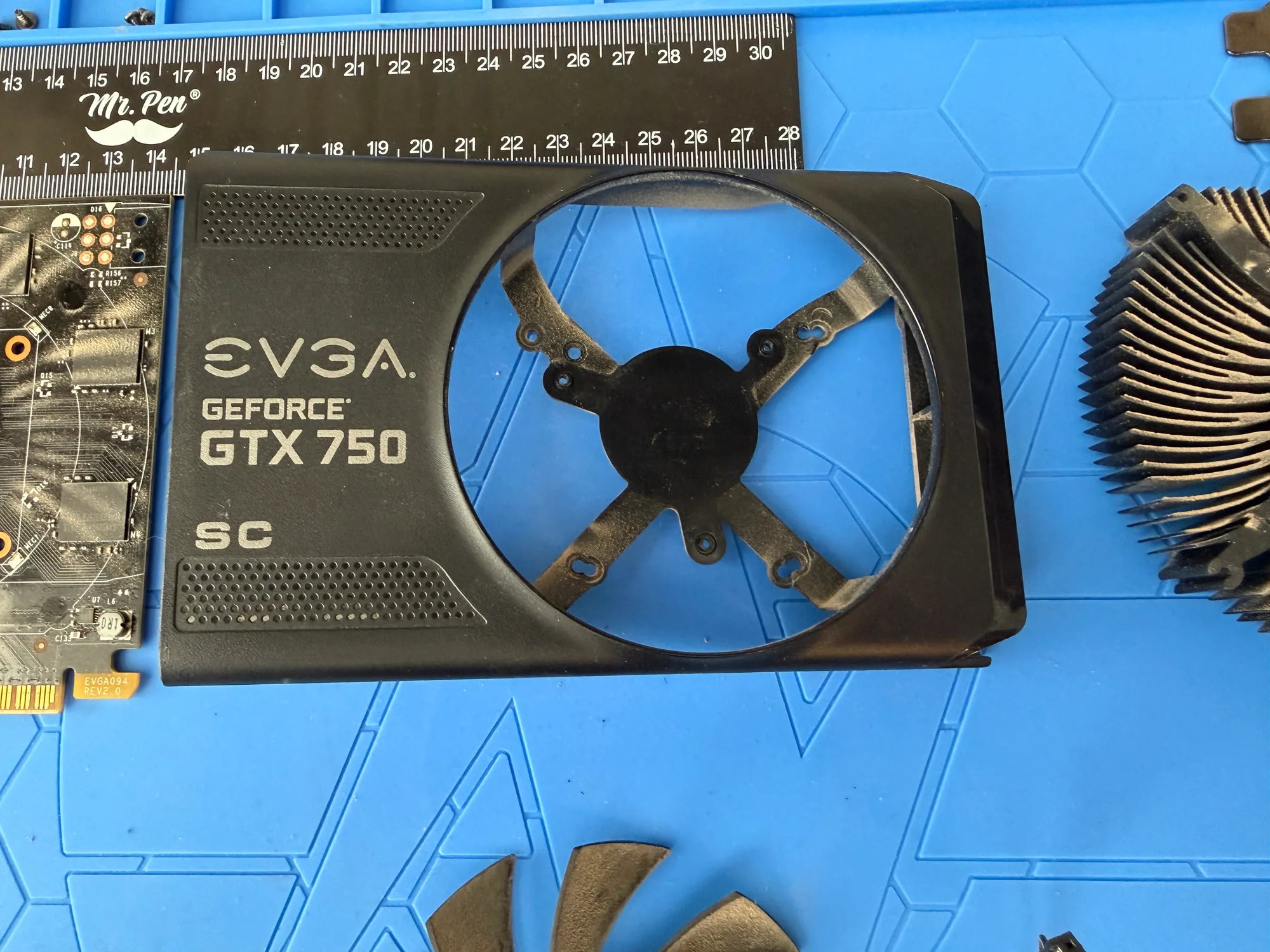
One honest flaw to note. There is a small crack near one of the cooler mounting holes on the shroud. It is bolted down hard against the heatsink, which keeps it structurally fine, and it has no effect on how the card mounts or runs. Worth disclosing, not worth worrying about.
It works, and it sells
QA on Windows 11 was clean. We drove a monitor live off all three outputs, DVI, HDMI, and DisplayPort, and each one worked. The driver loaded without complaint and we saw no artifacts on the desktop or under load. The bench and the soak both passed with zero throttling and no instability. The verdict is sellable: a cool, quiet-enough, fully working little Maxwell card. We did not separately measure fan noise or coil whine this session, so we are not claiming anything about acoustics either way.
So, is it worth cleaning a forty-dollar card? On the thermometer, no, this one had nothing to gain and gained nothing. As maintenance on a tidy little GPU you actually want to keep running, sure. What you do not get is a temperature drop, and the data is not going to pretend otherwise. Nothing was wrong with it, so nothing got better, and on a card like this that is a perfectly honest place to land.
Products used
As an affiliate, DustyFans may earn a commission from these links, at no cost to you.